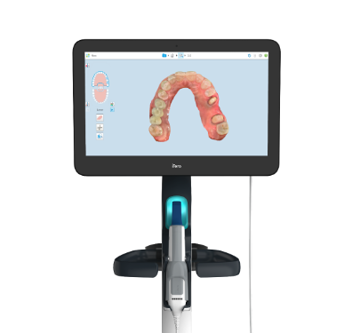
Overview: Connect an existing Trios, Medit, or iTero scanner to the Dandy Portal to submit cases directly.
Contact Us:
Before connecting a scanner, reach out to the Dandy Support Team to initiate the integration.
Configure External Scanner Connection
Practices with compatible hardware can integrate their devices with the Dandy Portal for streamlined case submission. Dandy currently supports specific models from Trios, Medit, and iTero.
Supported Trios Scanner Models
The Dandy Portal supports the following Trios scanner wands:
Trios 3 (Wired or Wireless)
Trios 4
Trios 5
Note: Dandy does not currently support all-in-one 3Shape scanning carts, such as the 3Shape Move.
Bring Your Own Trios Device With Dandy Guide
Supported Medit Scanner Models
The Dandy Portal supports the following Medit scanner wands:
i500
i600
i700
Bring Your Own Medit Device With Dandy
Supported iTero Scanner Models
The Dandy Portal supports the following iTero scanners:
iTero Element 5D Plus
iTero Element 5D Plus Lite
iTero Element 5D
iTero Element 2
iTero Element Flex
iTero Element 1
Note: The iTero Lumina is not currently supported.